OpenEye Scientific is now part of Cadence
Solutions
OpenEye Solutions
Science | Speed | Scale
Product
Orion® Molecular Design Platform
Small Molecule Discovery Suite
ROCS X
Target X
Free Energy
Molecule Search
Antibody Discovery Suite
Gaussian Module
Applications
Cheminformatics & Modeling Toolkits
Visualization & Data Management
Curated Databases
Cadence OnCloud
Topic
Virtual Screening
Target Exploration
Hit Identification
Lead Optimization
Drug Formulation
Antibody Discovery
Medicinal Chemistry
Interest
Ligand-Based Design
Structure-Based Design
Properties Calculations
Antibody Engineering
Biomolecular Modeling
Protein & Data Preparation
Quantum Chemistry
Artificial Intelligence
Pocket Detection
Industry Sector
Biotech & Pharmaceuticals
Academic Institutions
Agrochemicals
Flavors & Fragrances
Services
OpenEye Services
Services
Partnerships and Collaborations
Drug Discovery Consulting
Crystal Structure Prediction for Drug Formulation
Custom Scientific Method Development
Resources
OpenEye Resources
Find out more about our resources
Resources
Events
News
Documentation
Webinars
Science Briefs
Publications
Download
Support
Academic Licensing
Software Integration Partners
About
About OpenEye
Find out more about OpenEye
About
Why OpenEye
Team
Scientific Advisory Board
Careers
Login
Let's Connect
Let's Connect
Solutions
OpenEye Solutions
Science | Speed | Scale
Product
Orion® Molecular Design Platform
Small Molecule Discovery Suite
ROCS X
Target X
Free Energy
Molecule Search
Antibody Discovery Suite
Gaussian Module
Applications
Cheminformatics & Modeling Toolkits
Visualization & Data Management
Curated Databases
Cadence OnCloud
Topic
Virtual Screening
Target Exploration
Hit Identification
Lead Optimization
Drug Formulation
Antibody Discovery
Medicinal Chemistry
Interest
Ligand-Based Design
Structure-Based Design
Properties Calculations
Antibody Engineering
Biomolecular Modeling
Protein & Data Preparation
Quantum Chemistry
Artificial Intelligence
Pocket Detection
Industry Sector
Biotech & Pharmaceuticals
Academic Institutions
Agrochemicals
Flavors & Fragrances
Services
OpenEye Services
Services
Partnerships and Collaborations
Drug Discovery Consulting
Crystal Structure Prediction for Drug Formulation
Custom Scientific Method Development
Resources
OpenEye Resources
Find out more about our resources
Resources
Events
News
Documentation
Webinars
Science Briefs
Publications
Download
Support
Academic Licensing
Software Integration Partners
About
About OpenEye
Find out more about OpenEye
About
Why OpenEye
Team
Scientific Advisory Board
Careers
Login
Events
Subscribe to our blog
JCUP XIII - Tokyo | Sept. 17-18, 2026
JCUP XIII is scheduled for September 17-18, 2026, at the BelleSalle Yaesu in Tokyo, Japan.
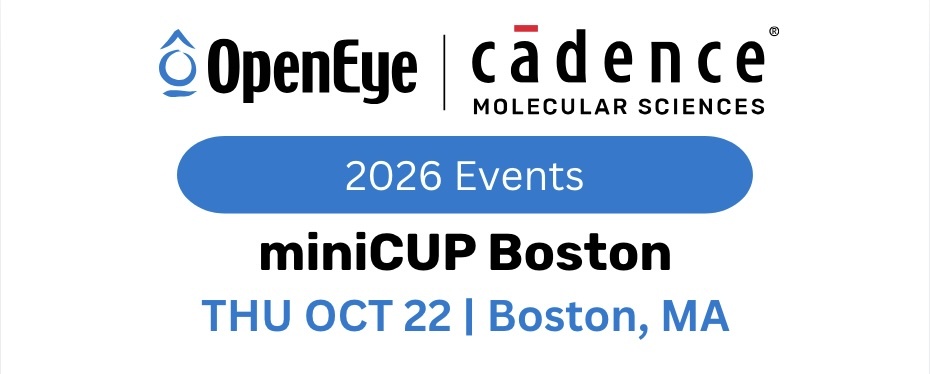
miniCUP Boston 2026
miniCUP Boston 2026 will be held on October 22, 2026 OpenEye's miniCUP series brings our latest scientific advancements to you. Our upcoming miniCUP Boston is a single-day …
Browse by topic
"
computational chemistry
CUP
Envision
EuroCUP
Event
JCUP
miniCUP
All
Event
CUP
miniCUP
computational chemistry
CUP
Envision
EuroCUP
Event
JCUP
miniCUP
JCUP XIII - Tokyo | Sept. 17-18, 2026
Read Post
miniCUP Boston 2026
Read Post
miniCUP San Diego 2026
Read Post
miniCUP San Francisco 2026
Read Post
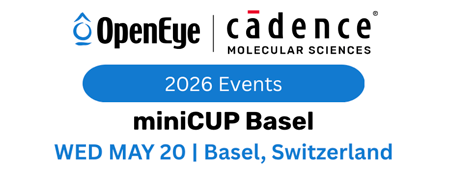
miniCUP Basel 2026
Read Post
CUP XXV - Santa Fe March 10-12, 2026
Read Post
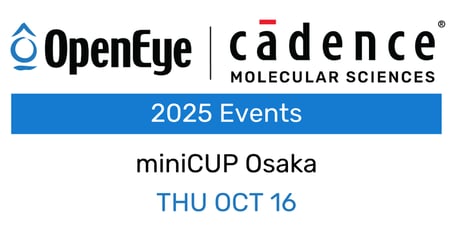
miniCUP Osaka 2025
Read Post
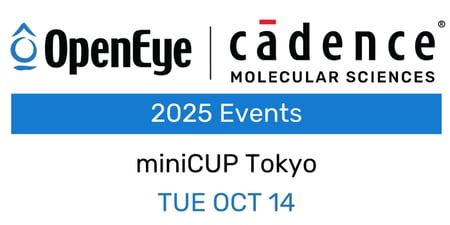
miniCUP Tokyo 2025
Read Post
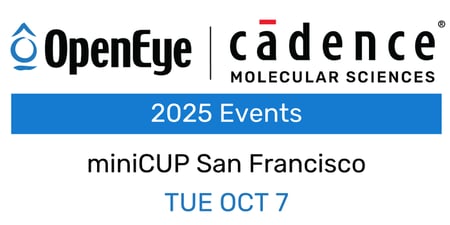
miniCUP San Francisco 2025
Read Post